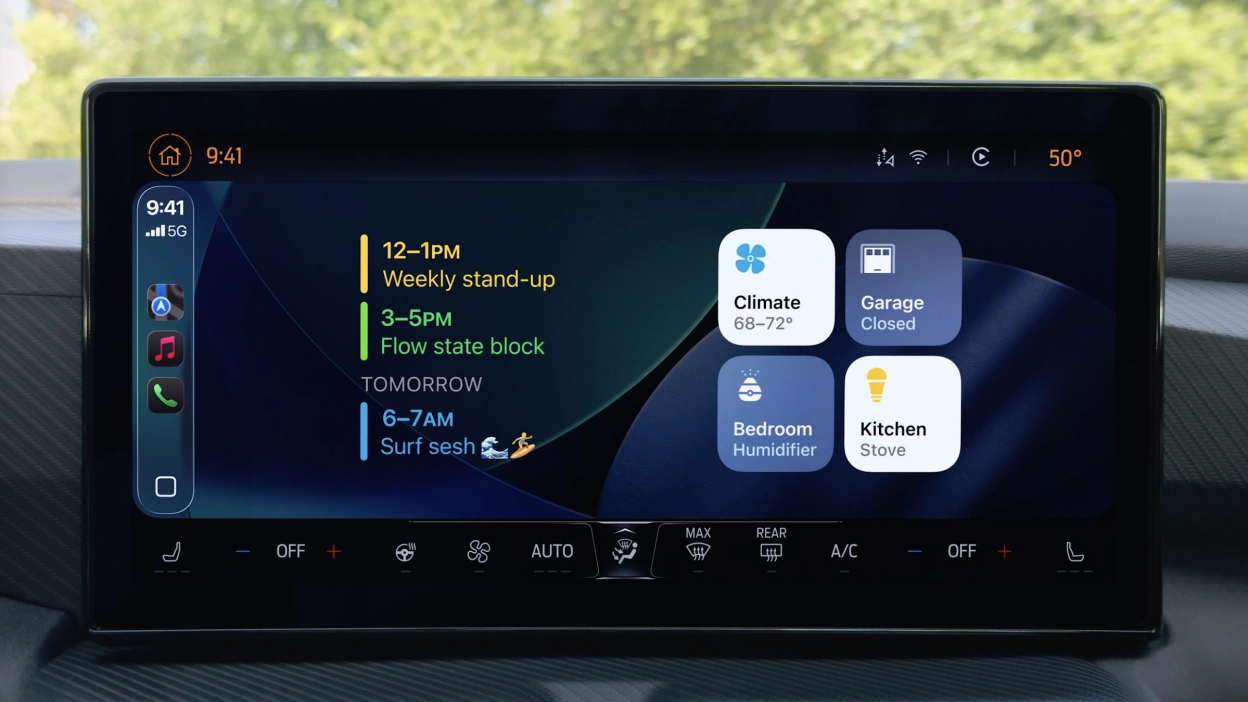
With Apple bringing new features to CarPlay in iOS 26.2 updates, many new things must be kept up by its users. However, there are still many users who have difficulty connecting their CarPlay, and you might be one of them!
Also Read Apple’s iOS 26.2 Update – Newest CarPlay Features You Must Know!
Acknowledging the cause and the way to fix keep disconnected CarPlay is important because frequent CarPlay disconnections can affect navigation, communication, and overall driving safety. Knowing the causes and fixes helps users restore reliable performance and avoid recurring frustrations when relying on their Apple devices in the car.
This article will show you the way to fix your CarPlay as well as to answer why it keeps disconnected. Let’s check this out!
How To Fix Your CarPlay Via Wireless Connection
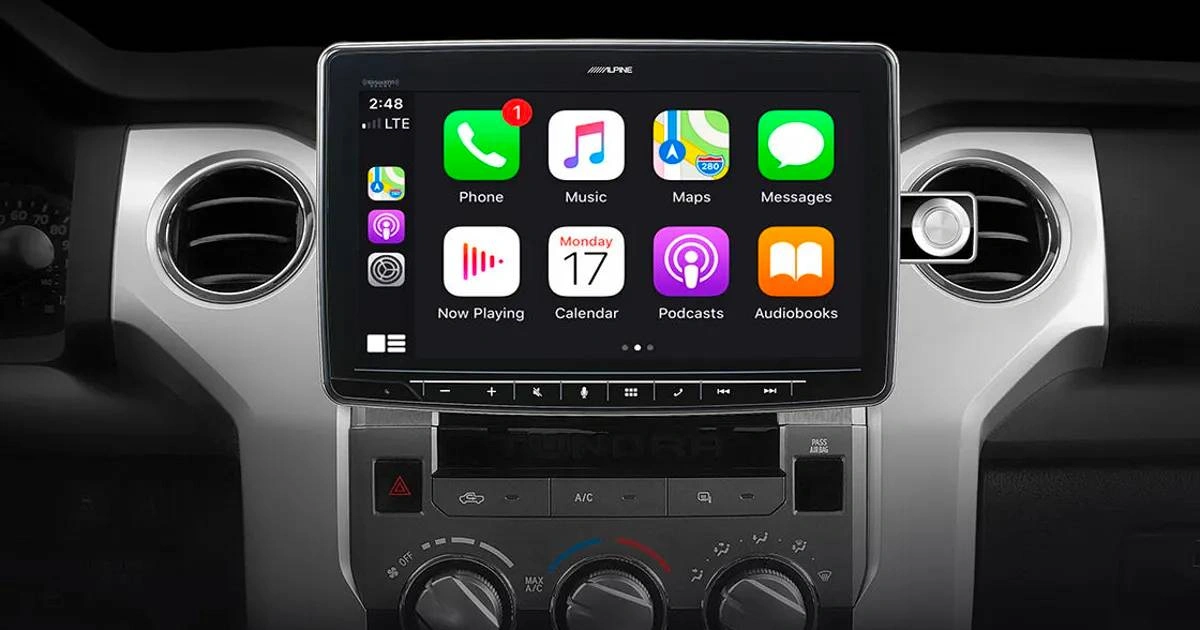
If you’re using the wireless version of Apple CarPlay, here is the way to fix your keep disconnected connection:
- Make sure your iPhone has Bluetooth and Wi-Fi turned on by swiping down from the top-right corner of your screen to pull up Control Center, then check if Wi-Fi and Bluetooth icons are lit up in blue.
- You can also try to do a quick reset by enabling and disabling the icons. Another way to do a quick reset is by go to Settings, choose Wi-Fi and Settings, and then choose Bluetooth, respectively, and toggle the buttons.
- Here you can see what devices your iPhone has been paired to. Too many accessory connections can cause CarPlay to drop or fail altogether.
- Clear all unused Bluetooth pairings by forgetting devices.
- Try restart your car’s head unit (if it is allowed) to force a fresh connection between two devices.
- Last, you can also try to clear your iPhone from your car’s memory by going to Settings, selecting your car, choosing the “Forget This Car” option, and then reconfiguring your CarPlay connection.
Also Read What’s New Apple watchOS 26.2 – Enhanced Safety Alerts And More!
Want more topics about Apple news? Check here Apple News Update!
How To Fix Your Apple CarPlay Through Wired Connection
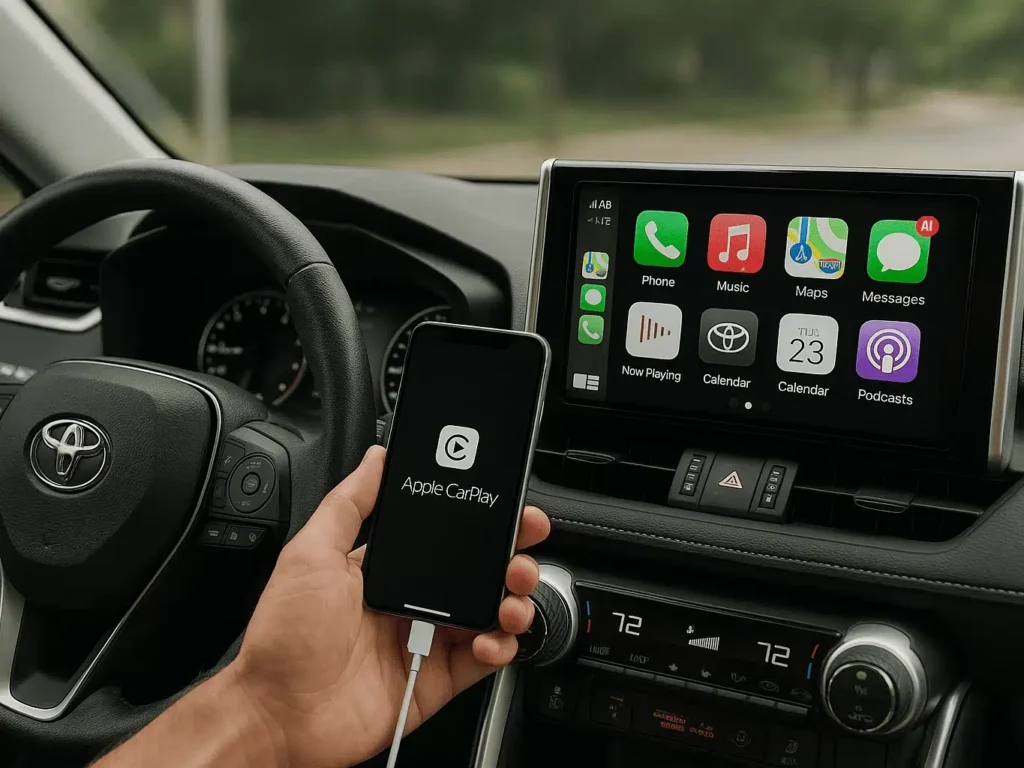
Here are the steps to fix your keep disconnected CarPlay if your version of CarPlay relies on a wired USB connection:
- Make sure you’re using an official cable made by Apple or at least MFi-certified; using an unofficial or low-quality one can break your connection outright since iPhones can be picky sometimes. This might be one of the reasons why your CarPlay keeps disconnecting.
- Try to swap to a different cable if its still not connected.
- Quick reboot your iPhone by shut it down and wait a few seconds, then turn it back on to give both your phone and your car a fresh start.
- If you use a third-party adapter, try giving the adapter a full reset through a small button or a quick reboot sequence in their companion app, and then reconnect your iPhone again.
That’s all the articles about how to fix your disconnected Apple CarPlay as well as the reason why it keeps doing that.
Scroll Price in UK for the newest update surrounding the same topic and other interesting articles!
So, have you been able to fix your disconnected CarPlay yet?
How do you feel?